
Ensure your dragee printer to run smoothly and get the best printing result,we suggest you to do daily maintaince as below.
When you start to print every morning,please check the below items stey by step.
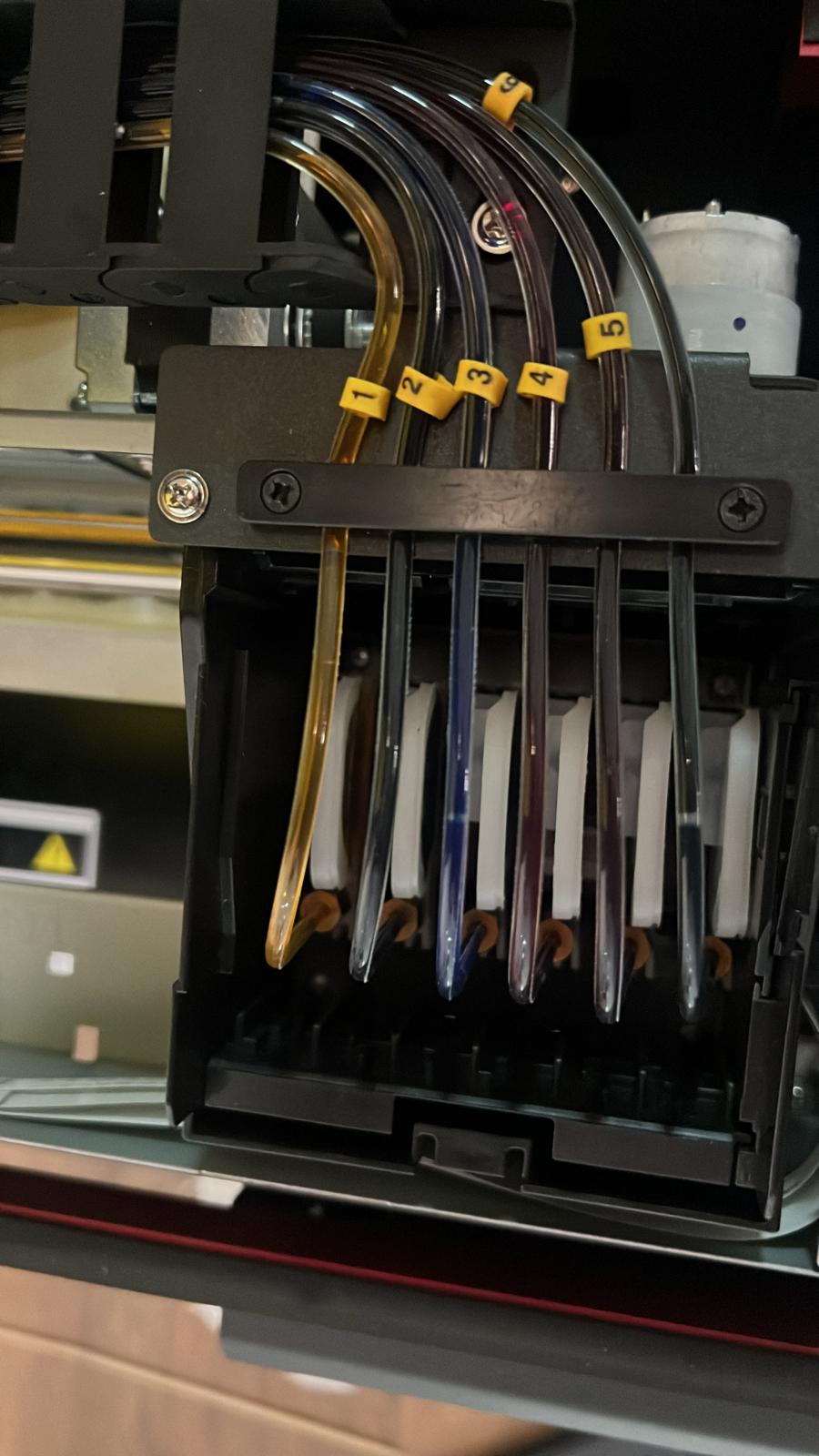
1, Check the dampers on the head side to make sure no air bubbles on the hoses.
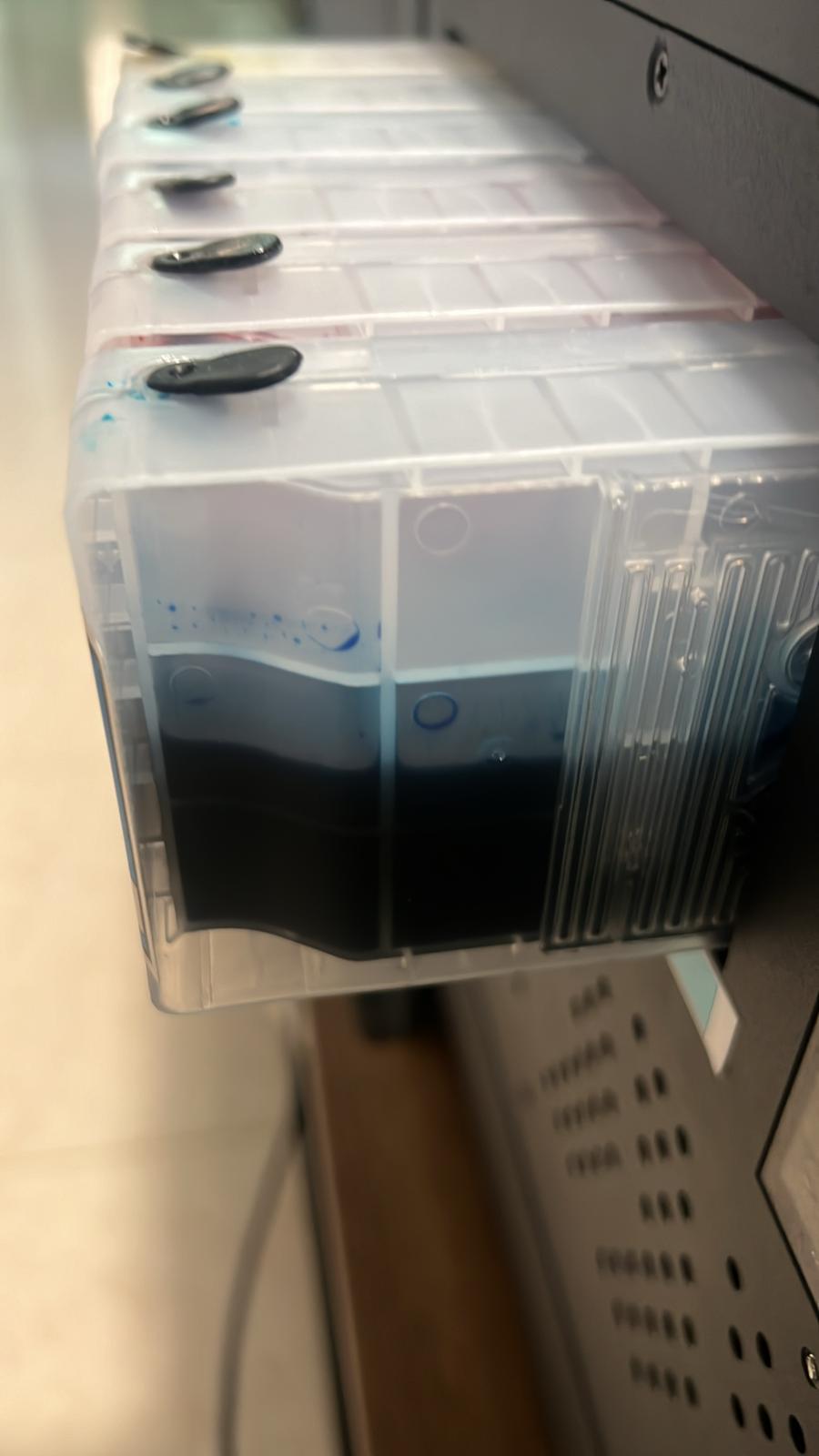
2, Check the ink levels on the ink cartridges/bottles. Make sure the ink levels are more than half.
3,Print out a nozzle check from AcroRIP or from Printer driver


4,Base on the Nozzle check result,we will have two different ways to continue.
4.1 If 6 colors are shown on the paper,then it’s good to print any logos onto dragees.

4.2 If you see the printing is bad or missing some colors,then you have to do Power Head Clean.

5, To do Power head Cleaning,there’s 2 ways.
5.1 Press “Purge” button on printer pannel for 20-30 seconds,then the printer will pump inks into dampers & printer head.

5.2 Click printer driver,then click “Head Cleaning”,then click “Power Cleaning”


6, After the Power head clean is done,then print out a new nozzle check.
7, If nozzle check is good,then the printer is good to print anything.
If you try the above steps,you still can’t get the perfect nozzle check,then contact us for technical support. Hope you enjoy using our dragee printer for your business!
